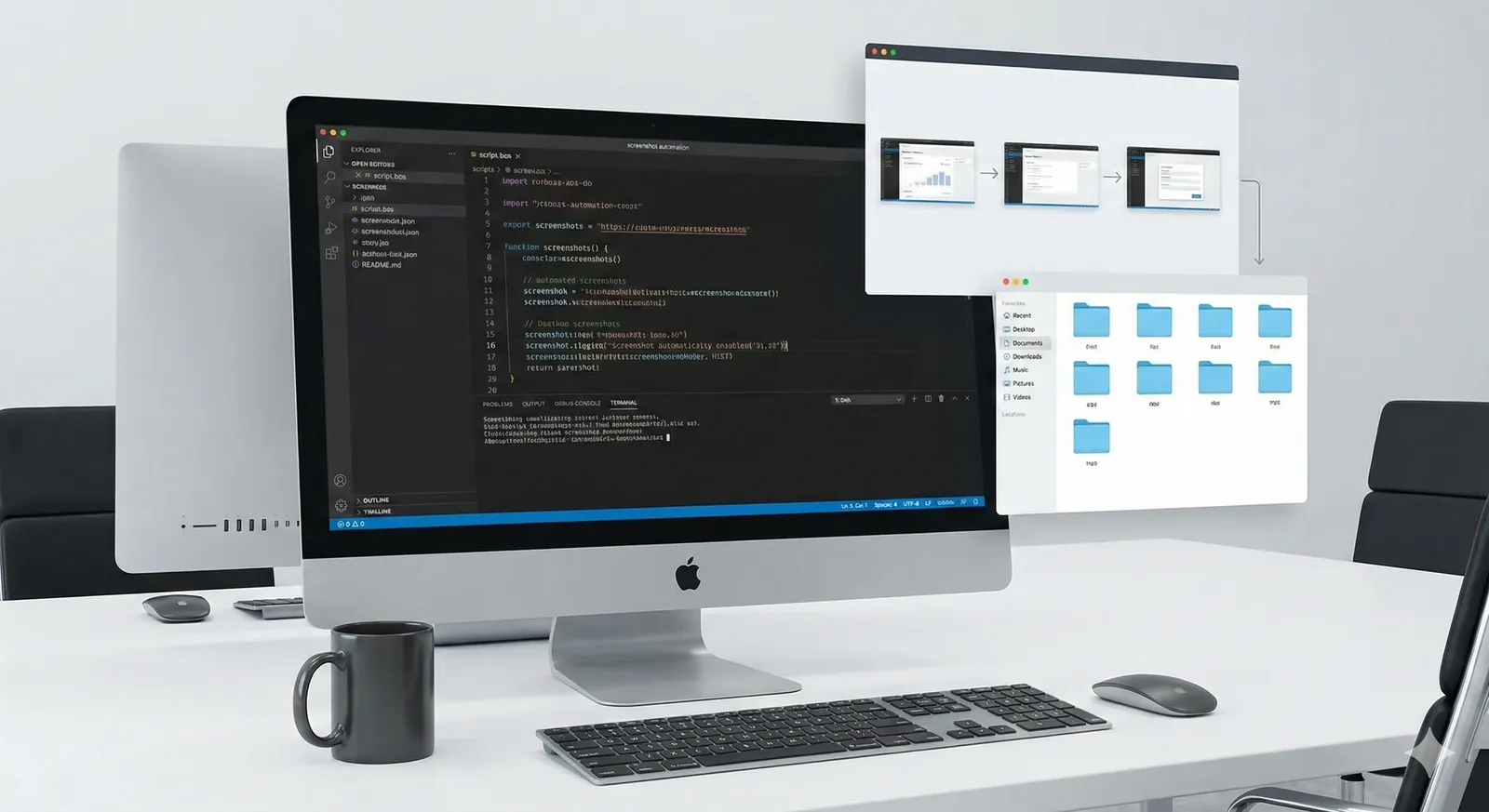
What Is Screenshot Automation on Mac?
What screenshot automation means on Mac, how it differs from manual screenshots and screen recording, and when a dedicated capture workflow starts to matter.
Tutorials, guides, and tips for automating your screenshot workflow

What screenshot automation means on Mac, how it differs from manual screenshots and screen recording, and when a dedicated capture workflow starts to matter.

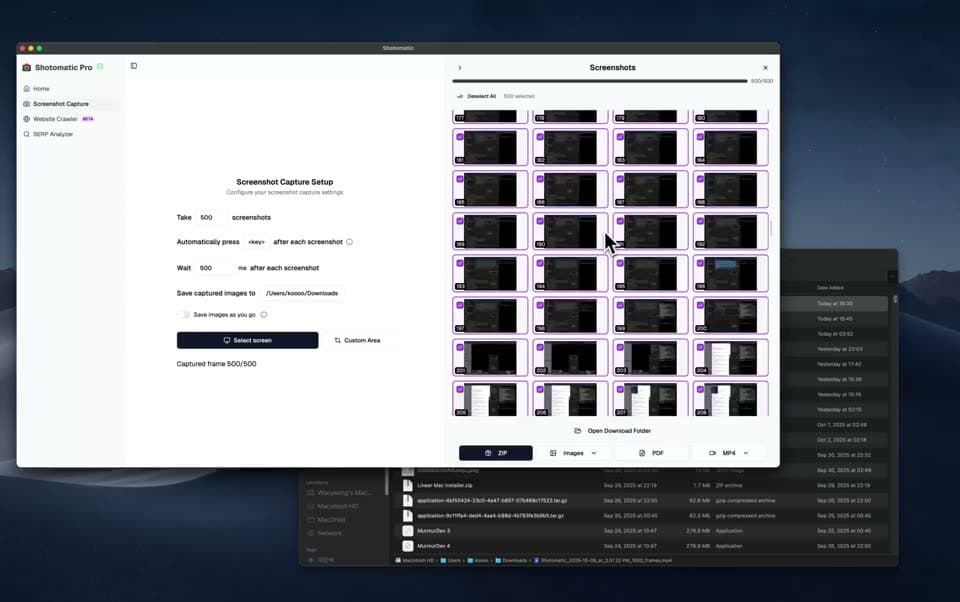
Use Shotomatic's website crawler to batch capture multiple web pages as screenshots. Provide a list of URLs, capture in parallel, choose a device preset, and export for audits, reporting, or archival.

Honest comparison of screenshot-based PDFs versus browser Save as PDF. When each method wins, where each fails, and how to pick the right approach for archiving, documentation, and sharing.

Honest comparison of macOS built-in screenshot (Cmd+Shift+3/4/5) versus dedicated tools like Shotomatic, CleanShot X, and Snagit. When the built-in tool is enough and when it's time to upgrade.

For Mac workflow documentation, bug evidence, and async updates, screenshot timelapse is often lighter and easier to review than full screen recording. Here's when to use each approach.

Three ways to create screen timelapses on Mac — from timed screenshots to OBS. Step-by-step guide using Shotomatic's interval capture and MP4 export for workflow documentation, bug evidence, and async updates.

Compare top screenshot automation tools: Shotomatic, Snagit, and CleanShot X. Find the right tool for archiving content, creating timelapses, and workflow automation.

Step-by-step guide to backing up Kindle purchases as searchable PDFs on macOS using automated screenshots. Covers the 2025 USB download removal, 2026 EPUB changes, Calibre alternatives, and legal considerations.
Archive books, capture content, and save hours of manual work.